


I am an enthusiastic early adopter and champion of a new type of photography called “New” or True HDR photography, which is set to revolutionise still photography. Photography has been an important part of my life for 20 years: capturing family and friends, travels, performances, my local area and some of the world’s greatest cathedrals. I want to capture those subjects as best I can, and let other people enjoy the photographs at their best. Now True HDR photography allows me to do that.
Progress & key milestones · Update 1 · 4 November 2026
Where things stand: my working system delivers HDR JPEG XL photographs to compatible HDR configurations, with gain-mapped AVIF as the fallback. It also matches image resolution to the viewing situation to minimise downloads.
Key milestones
- Photographs ready to explore: the public HDR demo gallery brings together my examples, while the HDR directory links to other photographers and demonstrations.
- October 2026 – browser support expands: Chrome 155 shipped JPEG XL decoding and Firefox 158 enabled it by default, alongside Safari’s existing support. The dated browser update explains the distinction between opening JPEG XL and displaying it in HDR.
- 4 November 2026 – efficiency measured: the study across 111 photographs shows how format selection and responsive image sizes combine to reduce downloads, and models the further opportunity when the gain-map fallback is no longer required.
Next: extend the photographic examples and directory, track browser developments, and use the measurements to guide further improvements to delivery.
This is the first progress update. Future substantial developments will receive a new update number, with earlier updates retained here.
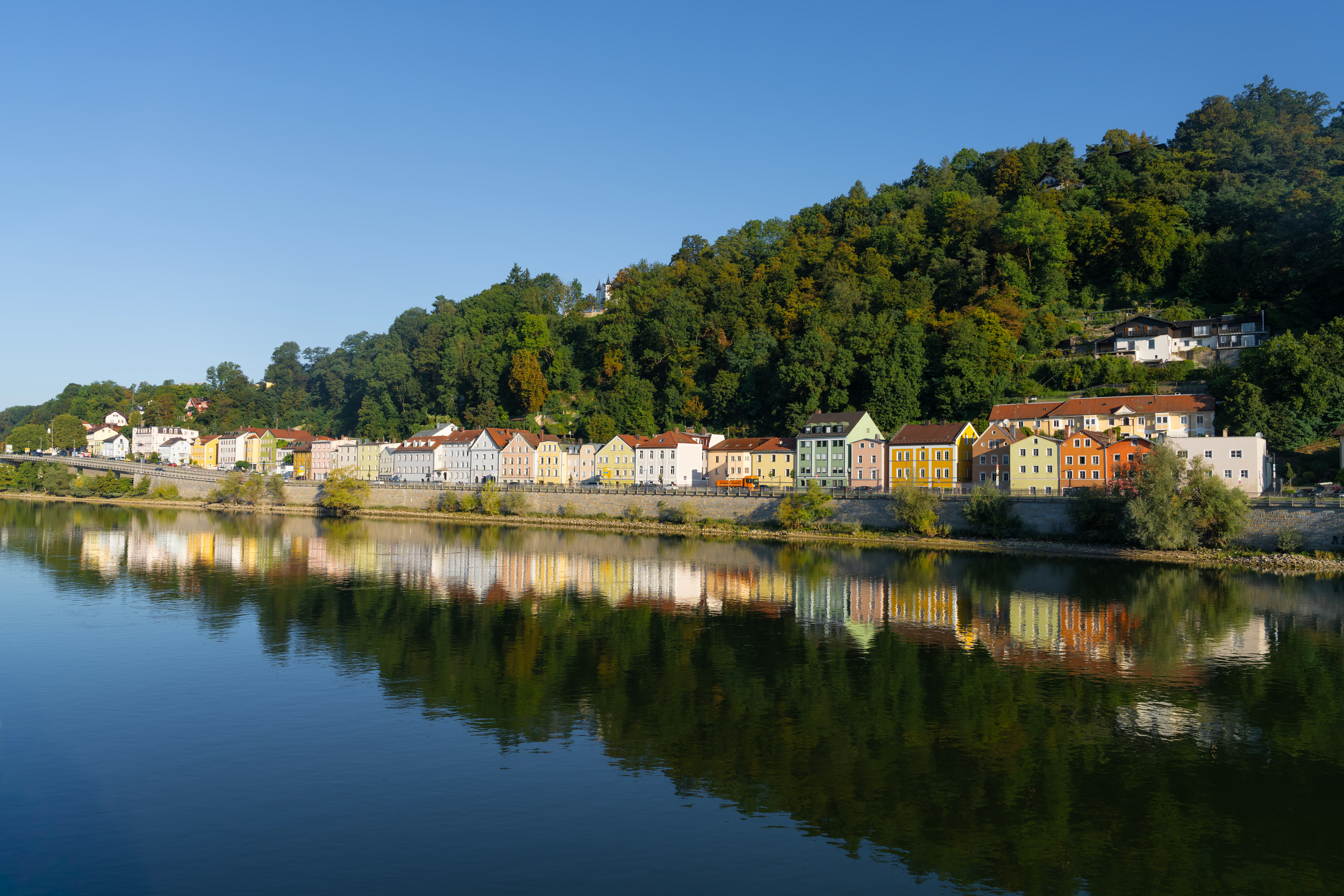
Explore: True HDR Photography Guides · The Big Experiment
The demo gallery serves real HDR JPEG XL photographs where supported, with gain-map AVIF as the fallback. Format selection is automatic.
True HDR photography opens up an exciting new possibility. On a compatible display, it can reveal the brilliance of light and richness of a scene that conventional photographs cannot fully convey. This section brings together my photographs, the practical work I’m doing to share them, and the discoveries that may help you make more of your own images.
View HDR JPEG XL photographs · Compare JPEG XL and AVIF
See what HDR makes possible
Bright stained-glass windows in a dark cathedral, glistening gold, fireworks and evening skies are wonderful subjects for HDR. The photographs are the best introduction: explore the examples and see what the difference means to you.
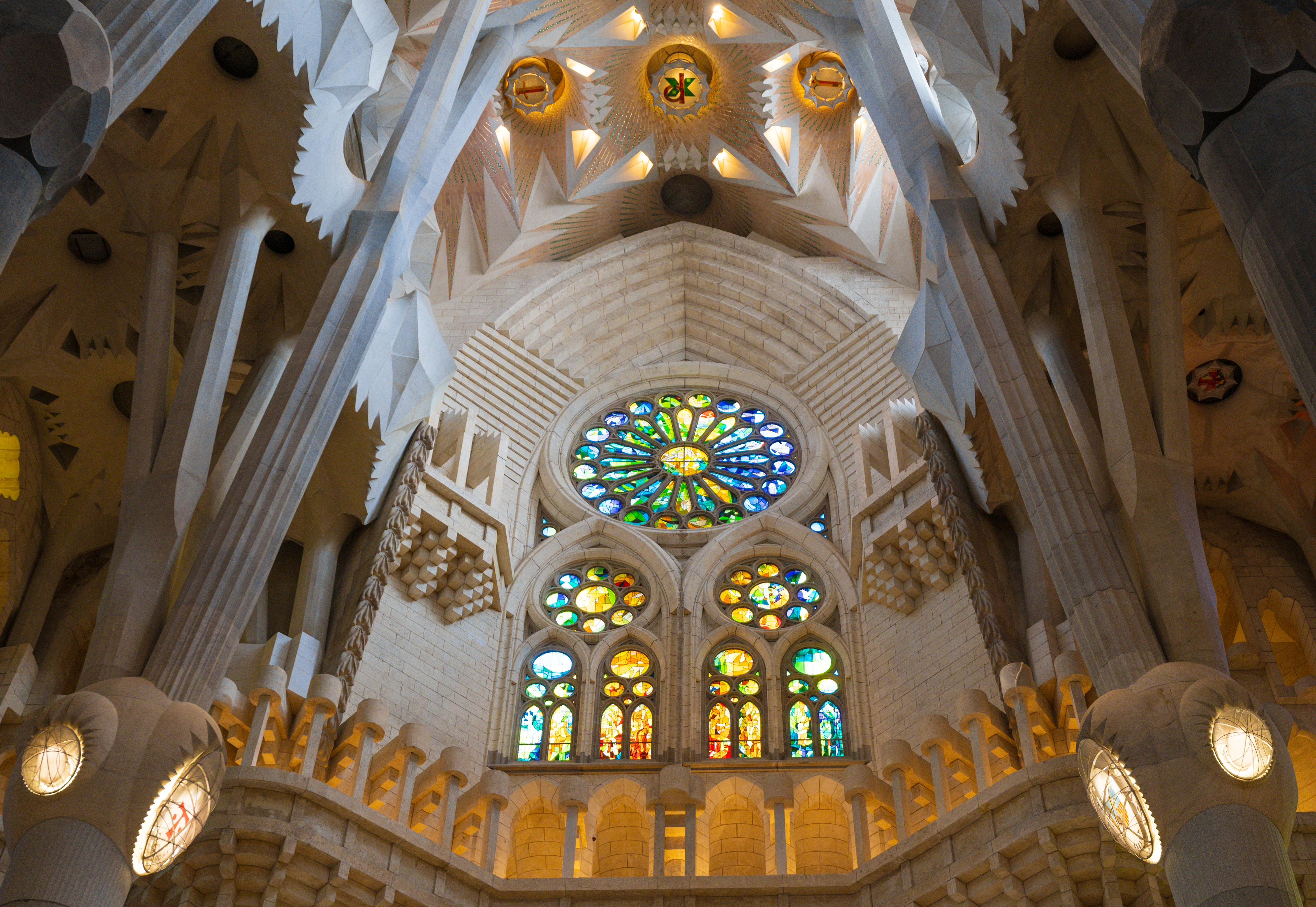
View HDR JPEG XL photographs · Visit Sagrada Família in HDR
For the full effect, use a compatible HDR display and browser. If HDR is new to you, my introduction to True HDR Photography explains what it offers and where it makes a difference.
Discover HDR photographers around the web
Explore a growing directory of photographers and developers sharing genuine HDR photographs. Find galleries and demonstrations, see which image formats they use, and learn how to view their work in HDR.
Explore the True HDR photography directory →
The Big Experiment: stop waiting, start sharing
Editing photographs is only part of the story. Getting them onto the web with the quality, speed and presentation I want has been much more frustrating. Preparing HDR photographs for Instagram can add further complexity, with separate export steps, confusing settings and, in some workflows, an additional paid plugin.
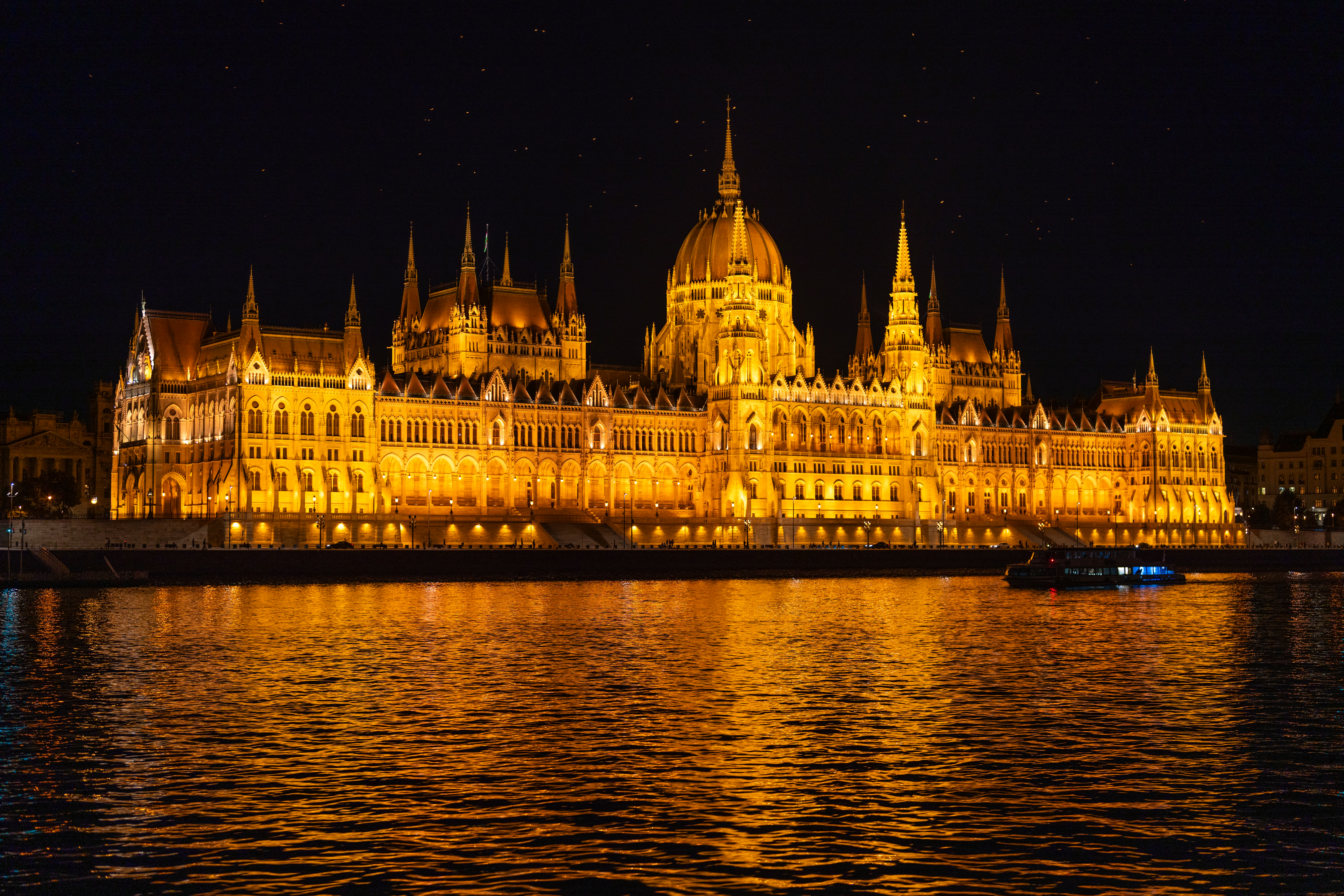
I built this system because my existing publishing tools did not deliver the HDR presentation I wanted. My Big Experiment is now a working route from independently finished SDR and HDR masters to responsive galleries and article images. The aim is the best visible photographic quality with less unnecessary page data, using the capabilities of each visitor’s device.
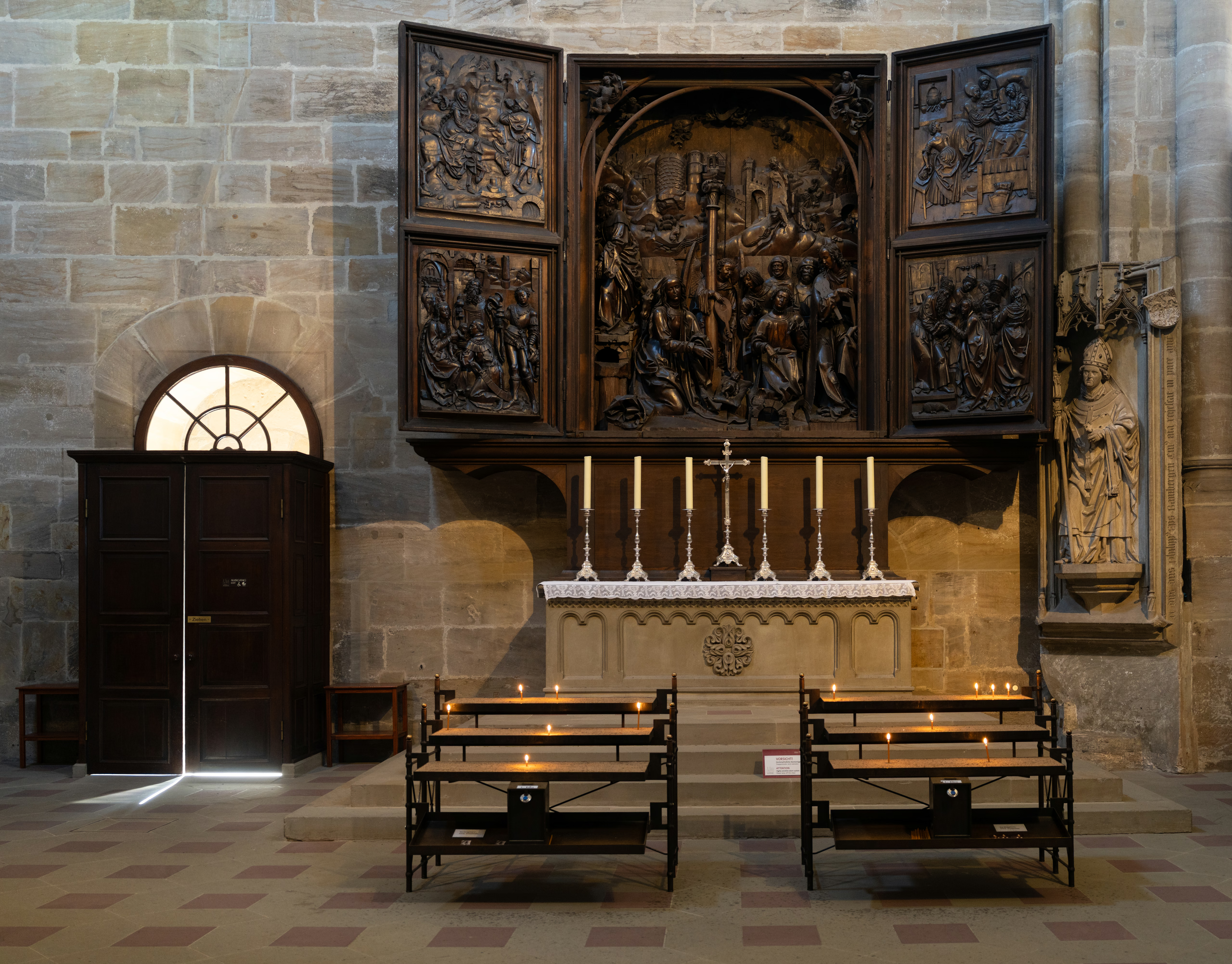
Rather than keep waiting, I’ve built a working gallery system around my own needs. My Mac retains the private masters and prepares the viewing files; my website presents the galleries and Cloudflare delivers the images. The aim is to make publishing easier, improve the viewing experience and eventually replace the parts of SmugMug I use.
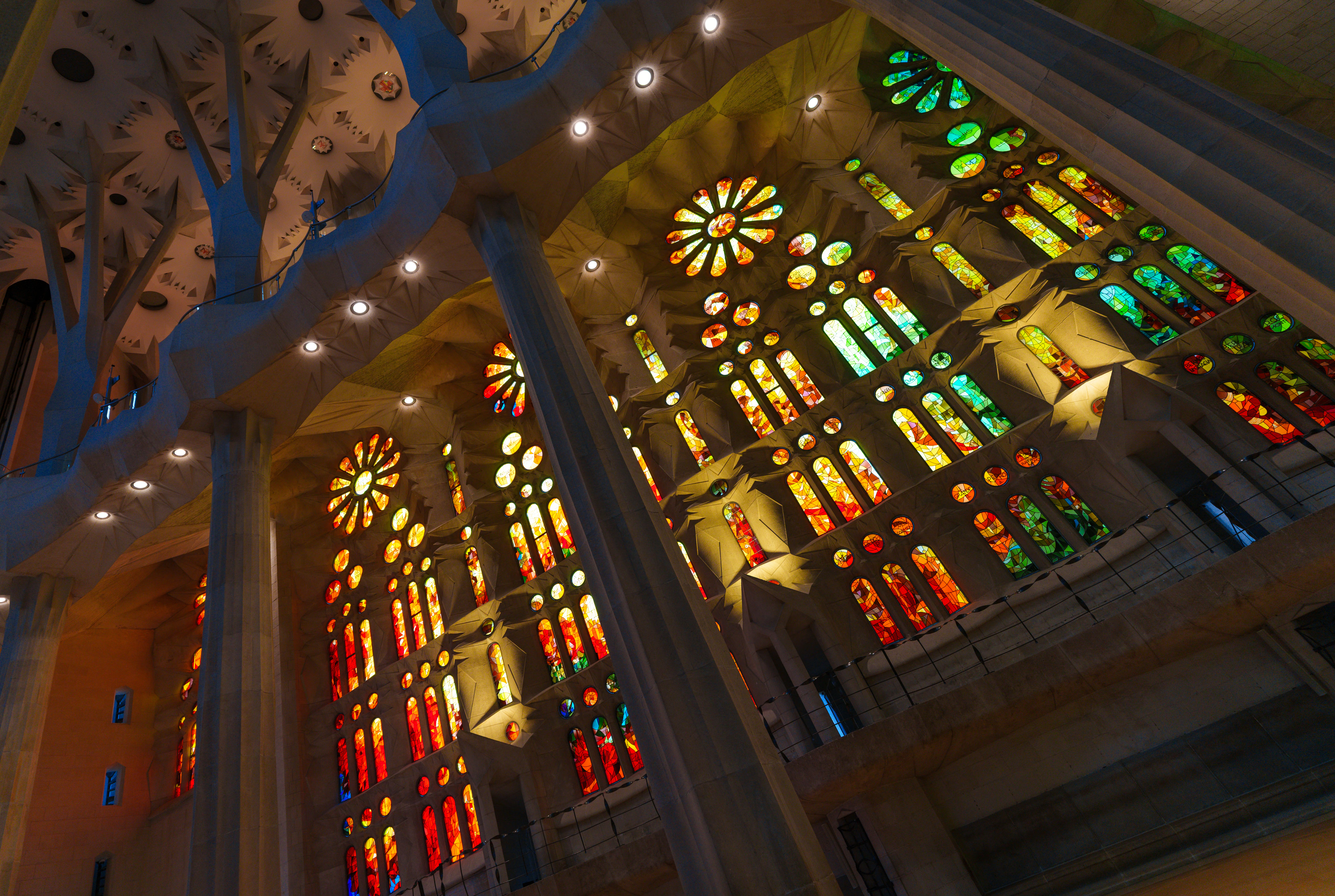
Efficient delivery around the world. Cloudflare’s content delivery network can serve cached public photographs close to visitors. Compact JPEG XL and AVIF files, responsive image sizes and larger views loaded on demand work together to reduce unnecessary downloads. Smaller files are part of the performance benefit; actual loading speed also depends on the connection, caching and browser.
The galleries prefer JPEG XL HDR when the browser can decode it and reports an HDR display, with SDR-base gain-mapped AVIF as the fallback. The AVIF can adapt between HDR and the independently finished SDR appearance in compatible viewers. SDR-only albums remain SDR. A format indicator and manual selector let visitors see and compare what is delivered.
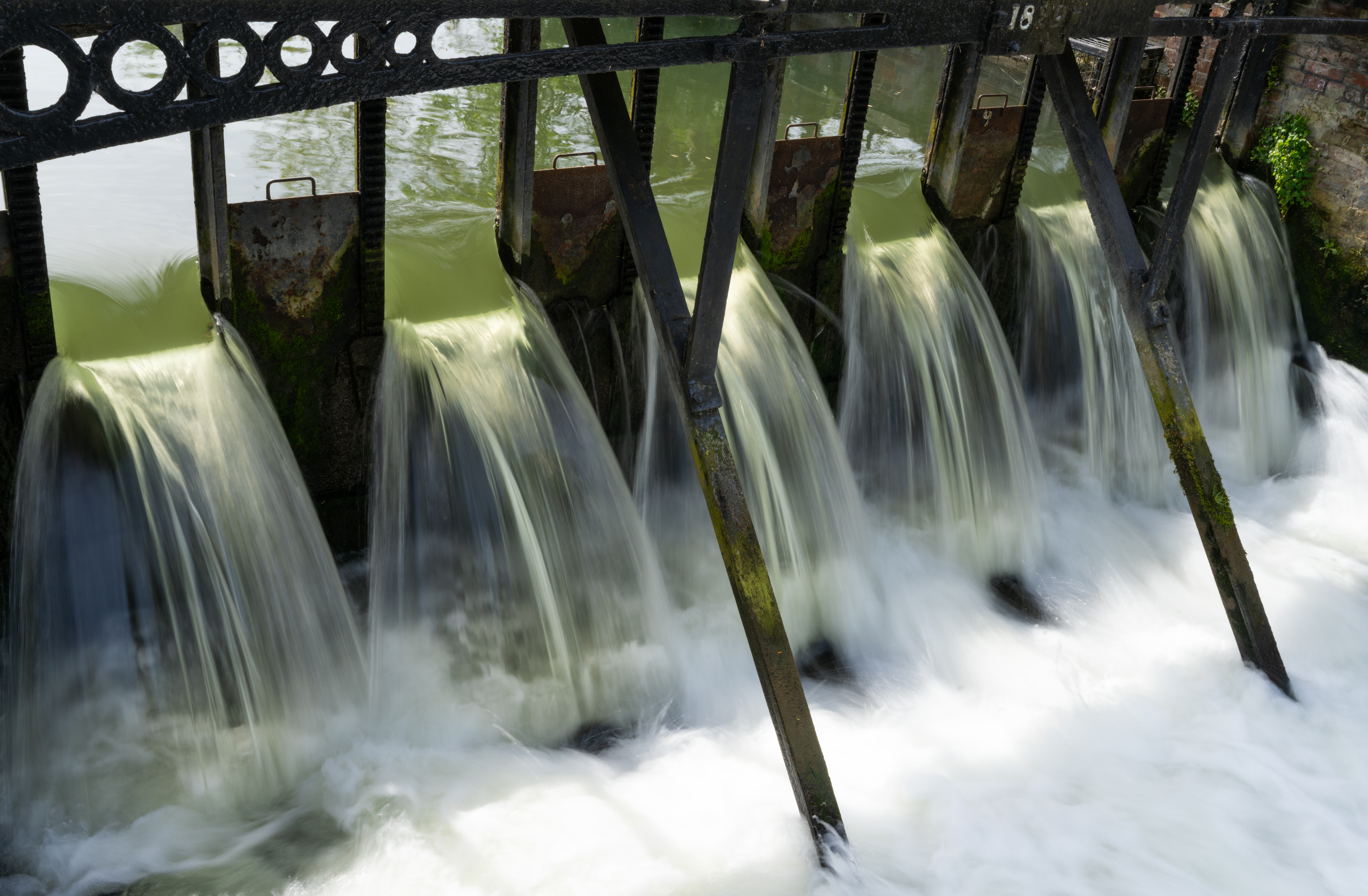
In my 111-image demo comparison at matching 2048-pixel dimensions, JPEG XL HDR averaged 28% fewer bytes than gain-mapped AVIF Q65 and 55% fewer than newly generated SDR JPEG Q90 copies. These results illustrate how HDR can improve the viewing experience without requiring bigger downloads; they are specific to the tested photographs and settings, not equivalent-quality or page-load-time measurements. See the methods and results.
New masters remain free of output sharpening baked in for a particular screen size. Each delivery copy is resized first and then optimally sharpened.
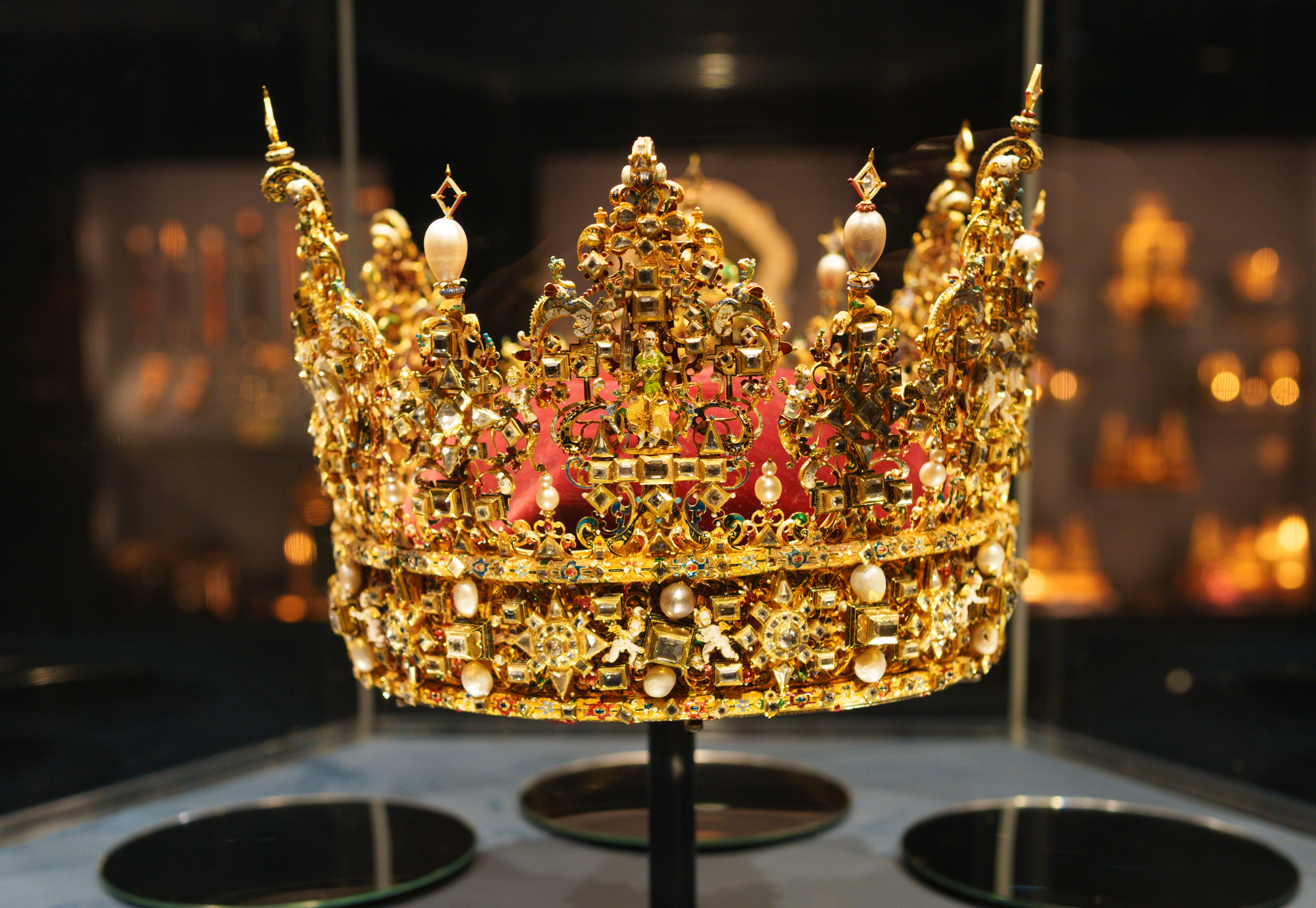
Keep the masters; make the viewing copies you need. The same SDR and HDR pair supplies JPEG XL and AVIF website delivery. Instagram gain-map JPEGs are a separate optional export, not an extra gallery produced by every publish. My workflow guide explains the preparation, and the formats guide explains each file’s role.
Explore: View HDR JPEG XL photographs
Read about The Big Experiment →
True HDR is not just about ‘proper’ cameras, and I can now display images taken on my mobile phone!
One of my big frustrations has been taking photographs on my iPhone and being able to view them in HDR on my phone screen and yet not being able to easily display them on my website. Now I can. While ‘proper’ cameras (such as my Sony A7R VI) are capable of capturing amazing true HDR images, many modern smartphones can also capture HDR images. I took the iPhone 18 Pro Max to the Greek island of Crete to test out its new main camera.
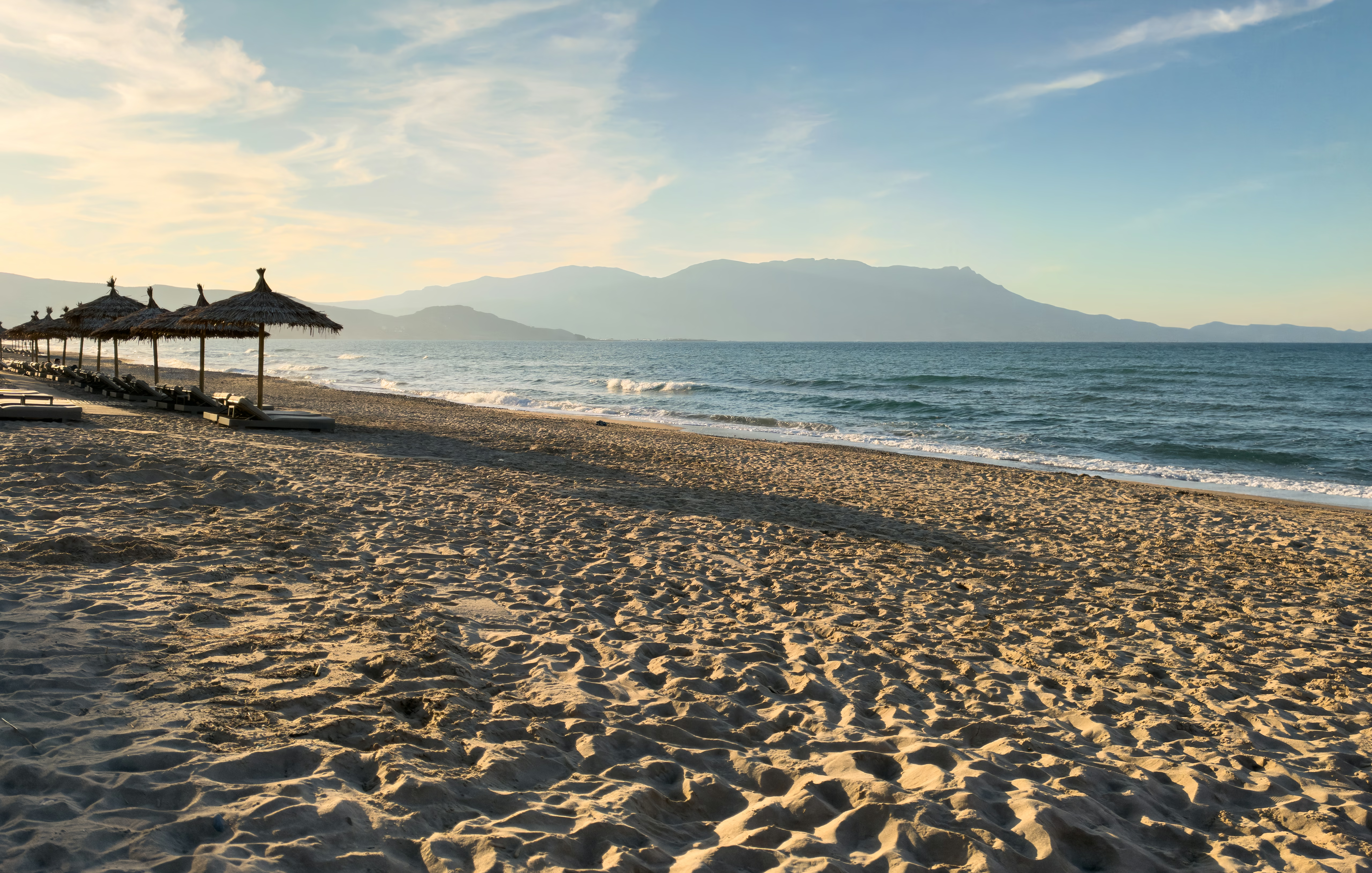
Capturing images in Apple’s ProRAW format, and following my standard workflow, I was able to generate very pleasing images. For more information, visit my article: Sample Photos From the iPhone 18 Pro Max (in HDR).
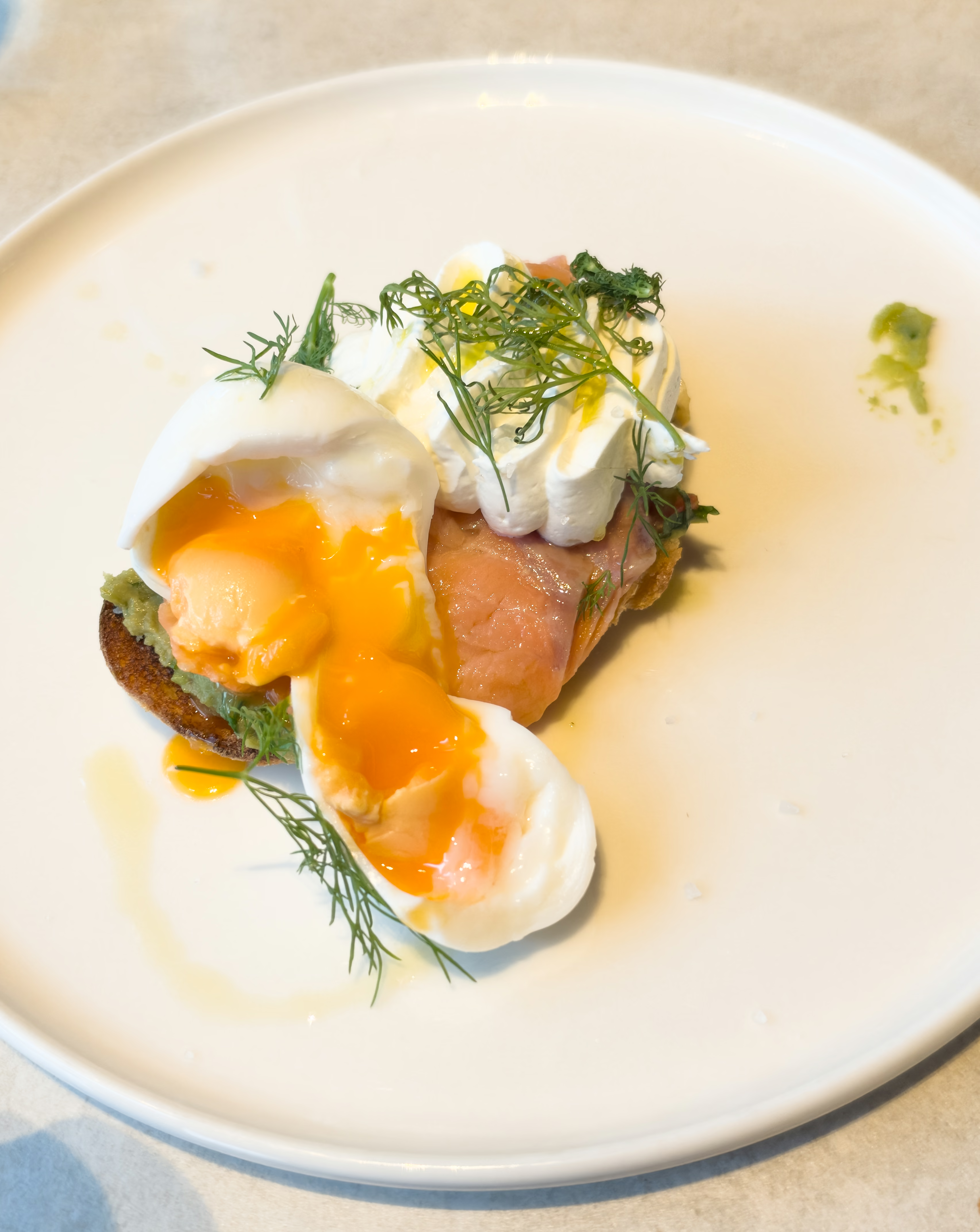
20 years of photographs – and new possibilities
Since buying my first digital SLR, a Canon 350D, in 2006, I have kept my photographs in RAW format. Revisiting those files has been one of the greatest pleasures of exploring HDR: photographs taken many years ago can have a new sense of life, colour and immediacy.
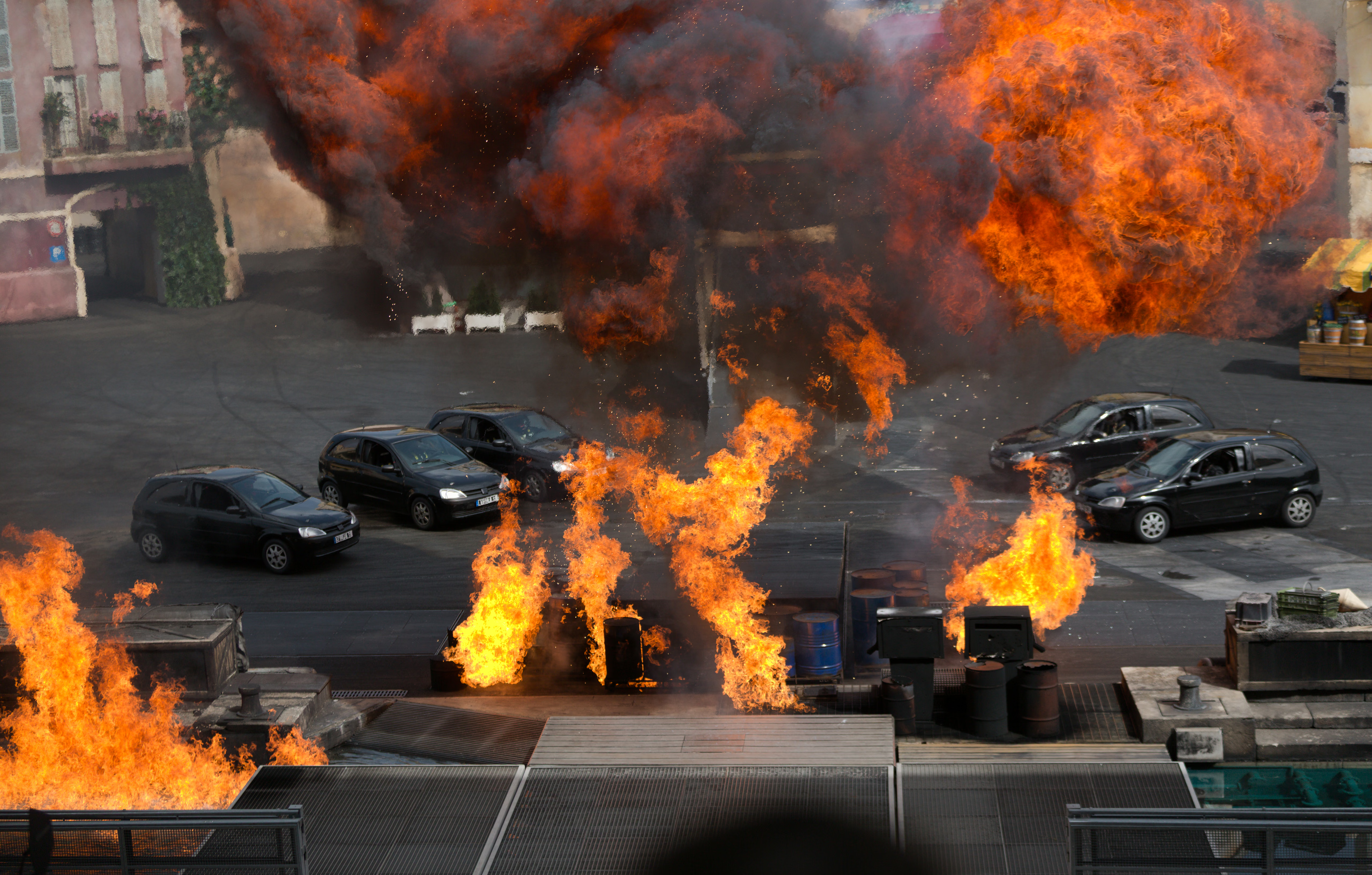
My existing SDR photographs remain an important body of work in their own right. I am not starting again or converting every photograph to HDR. The gallery project is about sharing both kinds of image well, including the collections that support the history of Spaldwick.
Explore my existing SmugMug photographic galleries · Browse my SmugMug cathedral and church photographs
If you have an archive of your own, see what revisiting old RAW files can reveal. My lossless storage research also shows how keeping that valuable image data can take substantially less space.
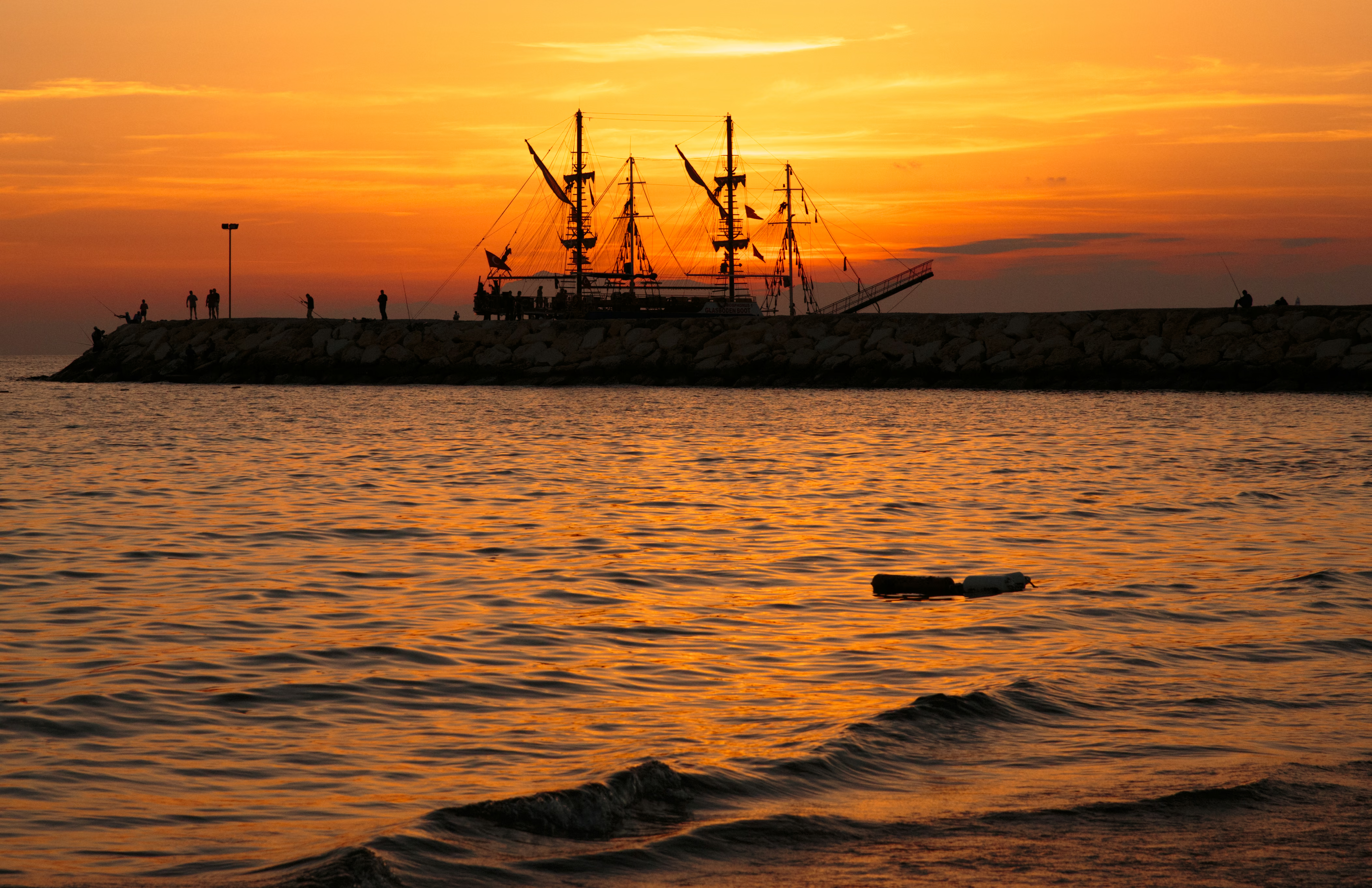
Practical guides from work I’m doing
The guides here grow out of decisions I need to make for my own photography: how to preserve RAW files efficiently, keep high-quality SDR and HDR masters, choose viewing formats and get photographs onto people’s screens. I combine my own tests with external research, then explain what the findings mean in practice.
My recommendation is lossless RAW preservation, high-quality lossy finished masters, and efficient lossy web delivery. Before editing, I preserve the RAW image values losslessly so they remain available for substantial adjustments to shadows, colour and contrast. After editing, I judge compression against the finished appearance: both my SDR JPEG and HDR JPEG XL masters use high-quality lossy compression.
For the web, my system creates smaller, resized and compressed viewing copies suited to the visitor’s screen. It prefers HDR JPEG XL on compatible HDR configurations, with gain-mapped AVIF as the fallback; SDR-only albums use SDR AVIF. Keeping the RAW data for future editing and delivering compact photographs today are parts of the same efficient workflow.
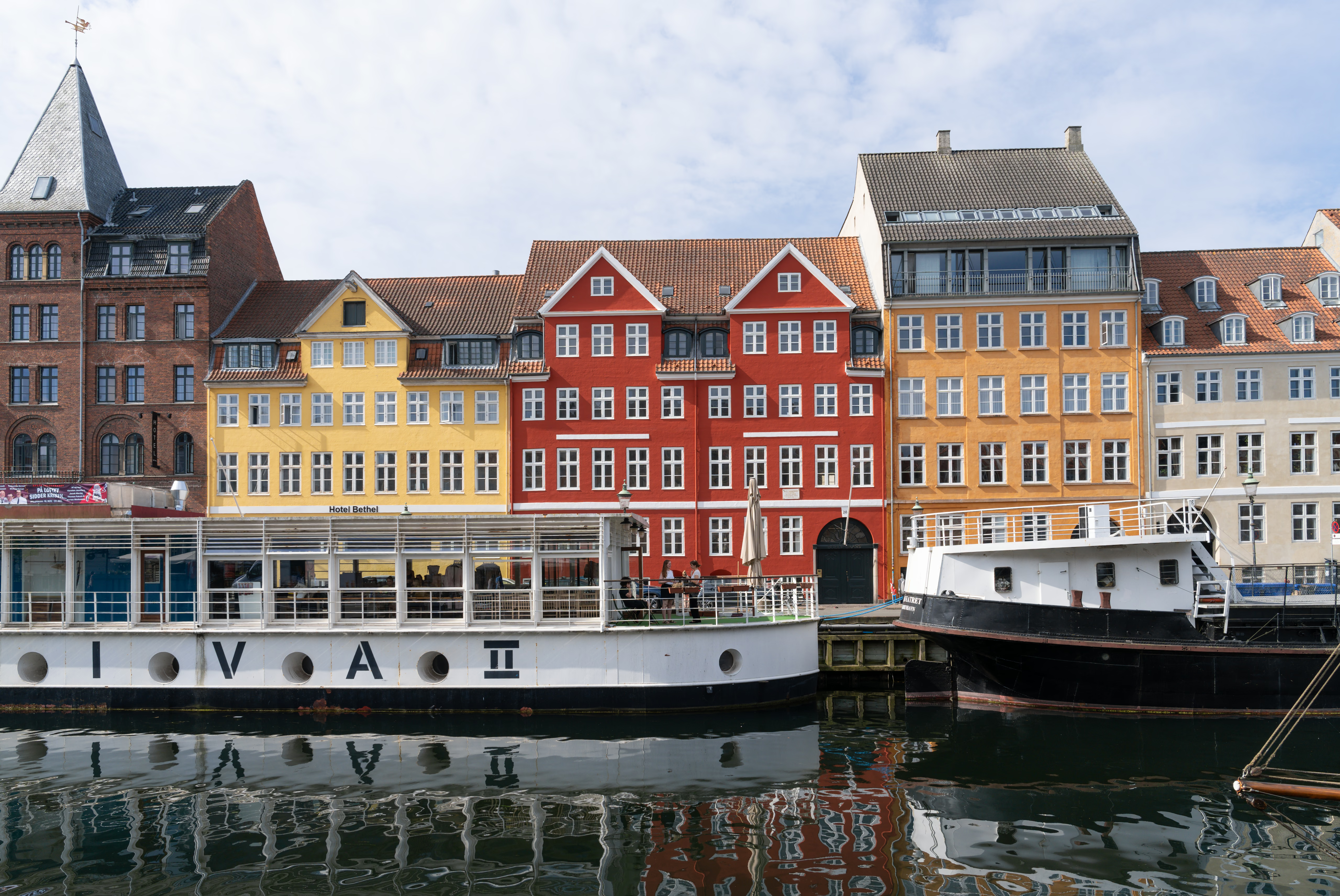
Start with my SDR and HDR photography workflow for the overall approach, or explore the guides for a particular task. As the project develops, I’ll add more photographs, comparisons and findings.
Explore the photography guides →
Enjoy the photographs on a bigger screen
HDR also opens up enjoyable ways to show photographs as slideshows and presentations. Here is a selection of my cathedral photographs, streamed from Vimeo in HDR.
This presentation explores subjects that respond particularly well to HDR, from stained glass and gold to night scenes, flowers and wildlife.
Watch more HDR videos · Create your own HDR slideshow
Last updated: 28 October 2026